


Play Classic NES Games on Mobile
Overview
Retroman is a dedicated NES game emulator designed for mobile platforms, enabling users to play classic Nintendo Entertainment System titles on iOS and Android devices. The software serves as a digital bridge to nostalgic gaming experiences, allowing players to revisit beloved titles from the 8-bit era. It is particularly suited for retro gaming enthusiasts, mobile gamers seeking authentic console experiences, and collectors who want to preserve and replay vintage games.
The developer, Konstantinos Papadakis, has positioned Retroman as a streamlined, user-friendly tool that prioritizes accessibility and performance. While specific details about the developer’s background are not provided, the app’s design reflects a focus on simplicity and functionality. Real-world usage includes playing games like Super Mario Bros., The Legend of Zelda, and Mega Man directly from personal ROM collections.
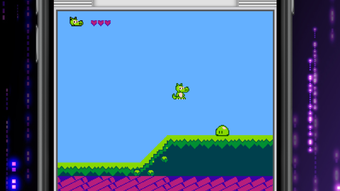
Users can load their own ROM files and enjoy gameplay in either portrait or landscape orientation. The emulator does not include built-in games, so users must supply their own ROMs. This approach ensures legal compliance while giving users full control over their game libraries.
Key Features & Capabilities
- Advanced NES Emulation Engine – Delivers smooth, lag-free gameplay by accurately replicating the original console’s hardware behavior, ensuring authentic performance for classic titles.
- Cloud Save Integration – Supports iCloud for iOS and equivalent cloud services on Android, allowing users to preserve game progress across devices without manual backups.
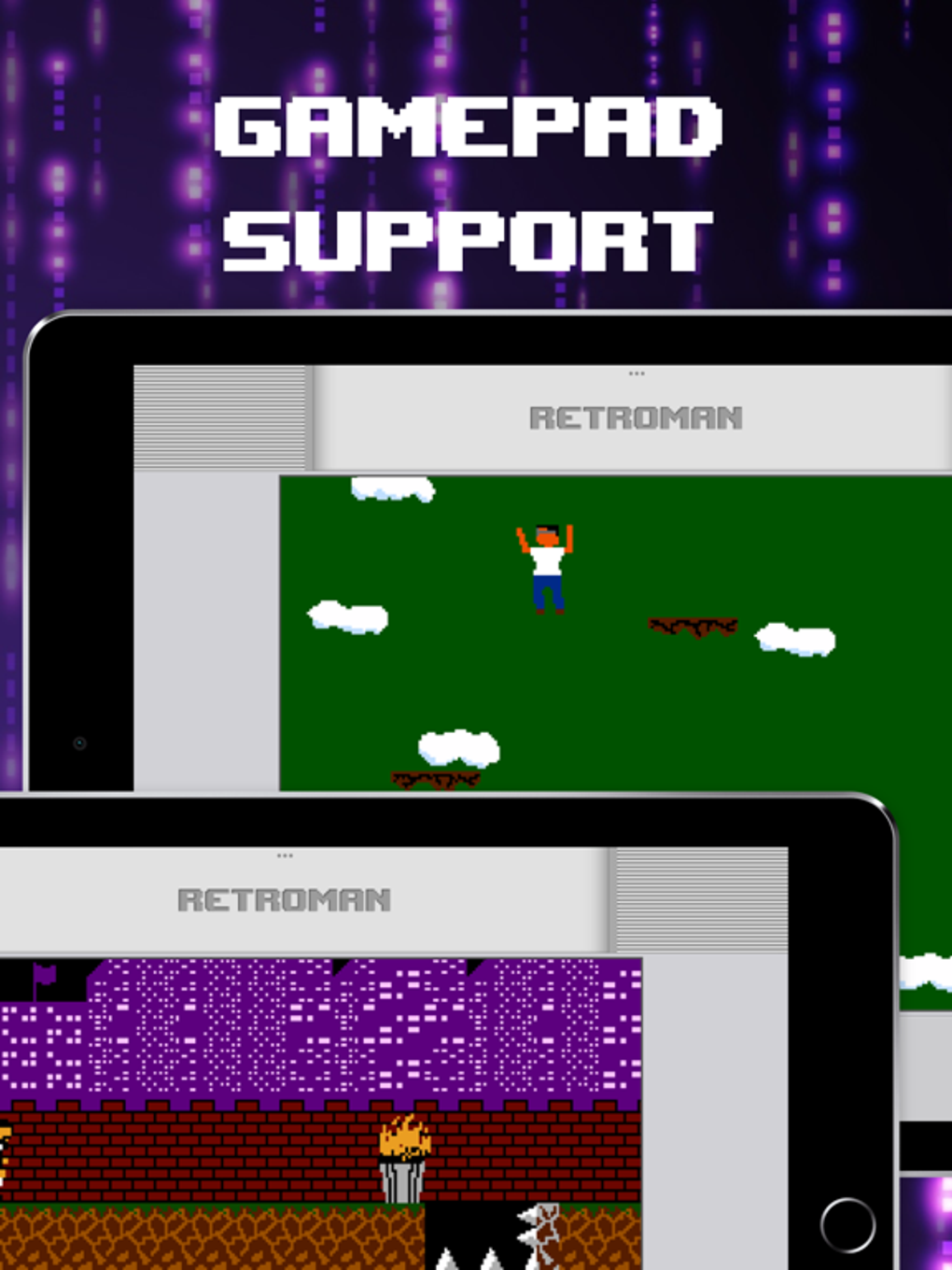
- Gamepad Support – Fully compatible with third-party controllers, enabling a console-like experience with responsive input and customizable button mapping.
- Orientation Flexibility – Offers both portrait and landscape modes, adapting the display to user preference for optimal viewing during gameplay.
- Customizable Audio & Video Settings – Users can adjust visual filters, aspect ratio, audio output, and other parameters to tailor the experience to their device and preferences.
These features are designed to modernize the retro gaming experience without compromising authenticity. For example, a user can load a ROM of Super Mario Bros. and use a Bluetooth gamepad for precise control, while cloud saves ensure progress is retained across multiple sessions. The ability to tweak video output is especially useful on high-resolution screens, where pixel-perfect clarity may be preferred. The emulator’s compatibility with personal ROM collections makes it ideal for users who already own digital copies of NES games. The absence of built-in games reinforces its role as a utility tool rather than a content provider, aligning with legal and ethical standards in emulation.
User Interface, Workflow & Performance
The user interface of Retroman is designed for simplicity and intuitive navigation. Upon launching the app, users are presented with a clean, minimalistic layout focused on ROM file access. The workflow begins with locating and loading a .nes ROM file, which can be done via file manager or cloud storage integration.
Once loaded, the game starts immediately with no lengthy setup. The interface includes a settings menu accessible during gameplay, where users can adjust audio, video, and controller configurations. Navigation is straightforward, with minimal on-screen clutter, making it accessible even to users with limited technical experience.
The emulator supports both portrait and landscape orientations, allowing users to choose the most comfortable display mode. Performance is optimized for mobile devices, with the developer claiming smooth gameplay across supported platforms. However, exact performance details were not specified.
General software behavior suggests efficient resource usage, but specific CPU or RAM consumption data was not provided. Stability is expected to be high given the app’s focus on core functionality, though real-world usage may vary depending on device capabilities and ROM complexity.
Compatibility & System Requirements
Retroman is compatible with iOS and Android operating systems, making it accessible to a wide range of mobile users. The software version is 1.0.0, with a file size of 45.8 MB, indicating a lightweight installation that does not strain device storage. The developer did not specify exact system requirements, including minimum processor speed, RAM, or OS version.
Compatibility information is limited to the supported platforms, with no details on device models or hardware specifications. Users should ensure their device meets general mobile app requirements for running emulation software. The lack of detailed technical specifications means that performance may vary based on individual device capabilities.
The developer did not provide information on whether the app supports older OS versions or requires specific hardware features such as Bluetooth 5.0 for controller pairing. Users are advised to test the app on their device to confirm compatibility.
Pros and Cons
Pros
- Smooth and responsive emulation for classic NES games
- Support for cloud saving across devices
- Full compatibility with third-party gamepads
- Lightweight installation at just 45.8 MB
- Intuitive interface suitable for beginners
Cons
- No built-in games – users must provide their own ROMs
- Limited system requirements information
- No official support for older OS versions mentioned
- Performance may vary across devices
- Advanced settings may require technical familiarity
FAQ Section
Is Retroman free to download and use?
Yes, Retroman is available at no cost. The app is free to download and use on both iOS and Android platforms.
Does Retroman support game saves in the cloud?
Yes, Retroman integrates with iCloud on iOS and equivalent cloud services on Android, allowing users to save game progress automatically and access it across devices.
Can I use a physical gamepad with Retroman?
Yes, the emulator supports third-party Bluetooth gamepads, offering a more immersive and console-like gaming experience.
What types of ROM files does Retroman support?
Retroman is designed for NES games and supports standard .nes ROM files. Other formats are not supported.
Do I need to own the original games to use Retroman?
Yes, the app does not include any games. Users must provide their own legally obtained ROMs to play.
Final Thoughts + CTA
Retroman delivers a polished and accessible way to experience classic NES gaming on modern mobile devices. Its clean interface, smooth performance, and thoughtful features like cloud saving and gamepad support make it a strong choice for retro gaming fans. While it does not include any games out of the box, this design choice ensures legal compliance and user flexibility.
The lightweight footprint and compatibility with both iOS and Android further enhance its appeal. For users who already have a collection of NES ROMs or are looking to relive nostalgic gameplay, Retroman offers a reliable and efficient solution. Its focus on usability and performance positions it as a top contender among mobile emulators.
Download Retroman now.







